
Gambar ini: Anda juggling beberapa saluran kendur, mengedit dokumen bersama di Google Docs, sementara setengah tim Anda sedang dalam pertemuan Zoom dengan mikrofon hening dan kamera dinonaktifkan. Pembatalan membangun, ide hilang, dan produktivitas melambat. Bunyi aslinya?
Skenario ini mewakili perjuangan Harian tempat kerja hybrid modern. Tim tersebar di seluruh lokasi, bekerja secara asinkron atau sinkron, dan alat kolaborasi tradisional sering gagal menghubungkan semua orang tanpa hambatan.
Masukkan Qtenboard papan tulis interaktif, sebuah solusi revolusioner yang dirancang untuk menjembatani celah tersebut. Dengan menggabungkan display multi-touch 4K, peralatan produktivitas berbasis AI, dan sistem manajemen perusahaan yang andal, Qtenboard mengubah kolaborasi dari kekacauan menjadi kohesif. Baik dalam ruang kelas atau papan tulis perusahaan, papan tulis interaktif menyediakan platform untuk kreativitas, keterlibatan, dan produktivitas-semuanya secara waktu nyata.
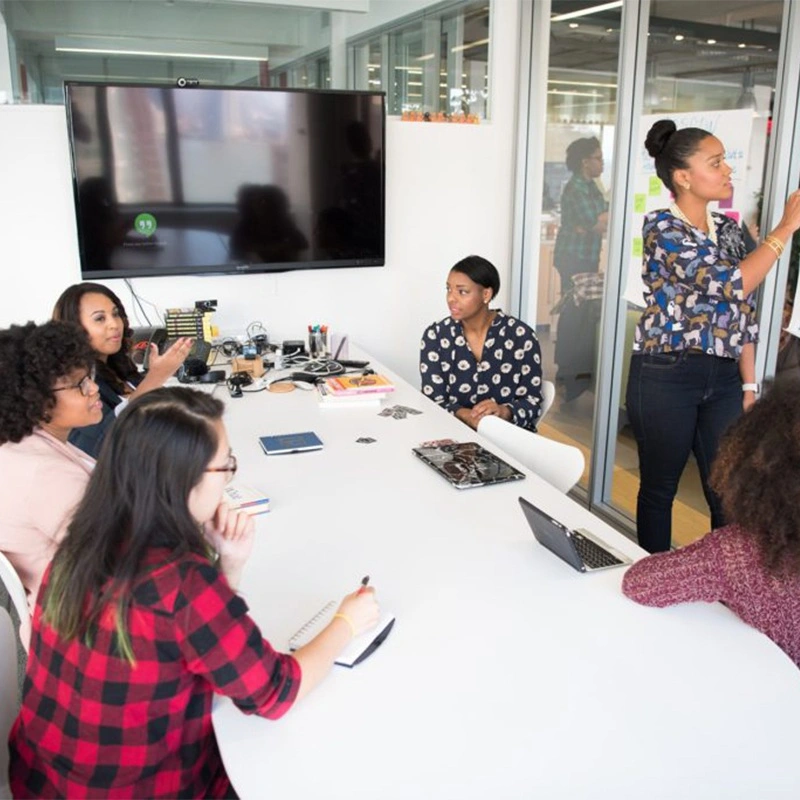
Papan tulis interaktif lebih dari layar digital-ini adalah pusat perbelanjaan untuk kolaborasi. Tidak seperti papan tulis tradisional yang bergantung pada spidol penghapus kering, papan tulis interaktif mengintegrasikan kemampuan sentuh, anmekanis digital, dan berbagi konten waktu nyata.
Dengan papan tulis interaktif, pengguna dapat:
Qtenboard ini langkah lebih jauh dengan mengintegrasikan fitur bertenaga AI Seperti bicara ke teks, menit rapat, tanya jawab cerdas, dan asisten cerdas, memungkinkan dokumentasi otomatis dan Bantuan Cerdas selama sesi kolaborasi.
Metode tradisional pengajaran atau menyajikan sering gagal memberikan perhatian. Papan tulis interaktif menciptakan lingkungan yang dinamis di mana semua orang dapat berkontribusi secara bersamaan.
Misalnya:
Fitur Qtenboard seperti dukungan multi pengguna dan pengenalan sentuh ultra-rendah (0.5mm) memungkinkan input presisi dari banyak peserta, membuat kolaborasi lebih inklusif dan efektif.
Pekerjaan dan lingkungan pembelajaran hibrida memerlukan alat yang menghubungkan peserta dalam ruang dan jarak jauh secara mulus. Dukungan papan tulis interaktif Qtenboard:
Bayangkan tim desain di New York berkolaborasi dengan rekan kerja di London: Sementara satu sketsa ide anggota tim di Qtenboard, orang lain menyumbangkan dari jarak jauh, dan catatan pertemuan yang dibuat AI menangkap semua keputusan secara otomatis. Kolaborasi mengalir dengan mudah, tanpa ide yang hilang atau salah komunikasi.
Pertemuan perusahaan sering terganggu karena inefisiensi: bahan usang, catatan singkat, atau partisipan yang tidak terlibat. Papan tulis interaktif meningkatkan setiap aspek kolaborasi profesional:
Dengan Qtenboard, persiapan pertemuan, dan tindak lanjut menjadi mulus. Catatan, konten papan putih, dan dokumen berbagi disimpan secara digital, siap untuk peninjauan atau distribusi kembali-Menghilangkan kebutuhan dokumentasi manual yang membosankan.
Papan tulis interaktif mengubah sesi penyimpanan otak menjadi taman bermain kreatif. Tim dapat secara visual mengontrol ide, memanipulasi diagram, dan menjelajahi kemungkinan tanpa kendala.
Keuntungan Qtenboard:
Dengan menghilangkan hambatan fisik dan memungkinkan beberapa pengguna untuk berkontribusi secara bersamaan, Qtenboard meningkatkan ideisasi, menyebabkan siklus inovasi yang lebih cepat dan hasil bisnis yang lebih baik.
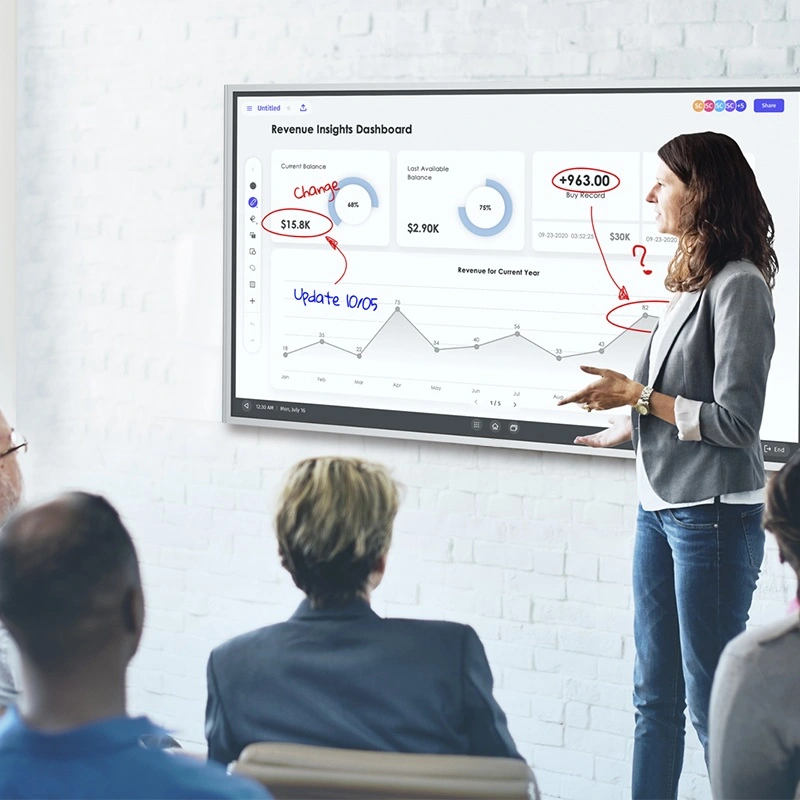
Selain kolaborasi, papan tulis interaktif Qtenboard menawarkan fitur manajemen perusahaan yang andal melalui sistem DMS:
Sentralisasi ini mengurangi overhead, meningkatkan uptime perangkat, dan memastikan penggunaan yang aman, dikendalikan di seluruh lingkungan bisnis dan pendidikan.
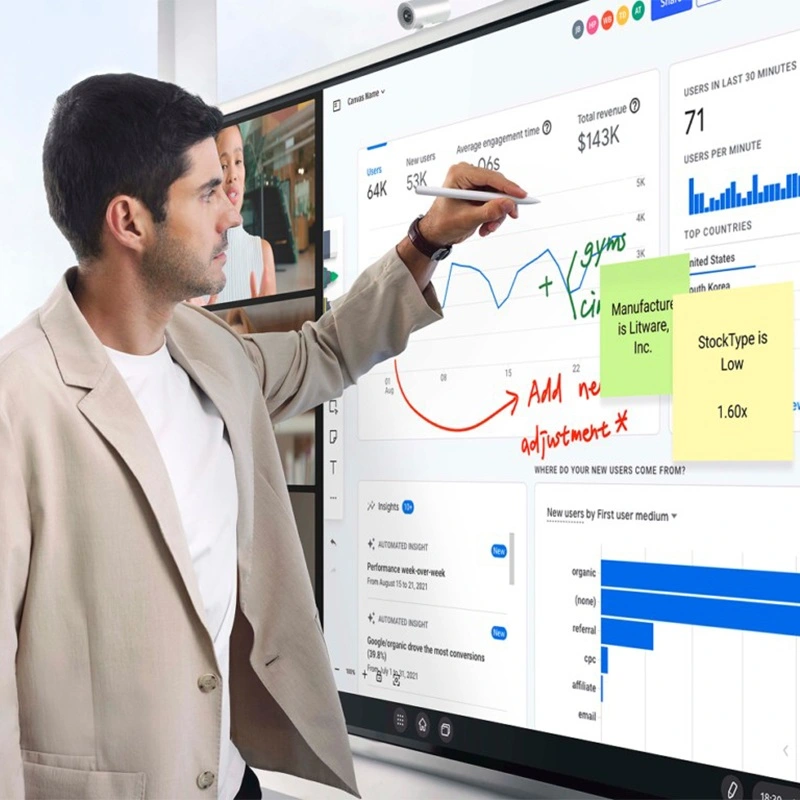
Walaupun istilah yang sering digunakan secara dipertukarkan, ada perbedaan kunci:
Qtenboard memadukan kompatibilitas terbaik dari kedua dunia: Kompatibilitas tinggi dengan perangkat lunak pendidikan dan perusahaan, serta fungsionalitas AI canggih untuk produktivitas yang ditingkatkan.
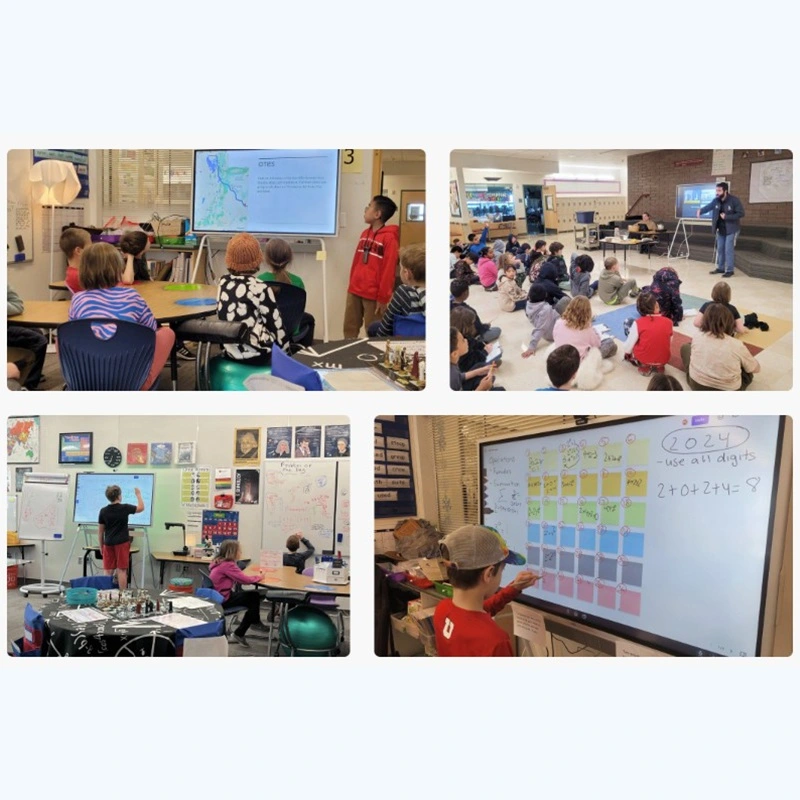
Papan tulis interaktif telah mengubah kelas:
Fitur papan putih Qtenboard seperti tabel berkala, alat Formula, Piano, bagan statistik, OCR, dan tanda silang memungkinkan guru untuk membuat pelajaran yang beragam dan menarik yang memenuhi semua pelajar.
Dalam pengaturan perusahaan, papan tulis interaktif meningkatkan kolaborasi, pengambilan keputusan, dan inovasi:
Qtenboard memastikan bahwa setiap pertemuan, presentasi, dan sesi braintstoring adalah interaktif, produktif, dan terdokumentasi secara digital.
Tempat kerja Modern dan permintaan kelas lebih dari presentasi statis atau papan dry erase. Papan tulis interaktif Qtenboard mengubah kolaborasi dengan menggabungkan:
Dengan Qtenboard, organisasi dan sekolah dapat membuka produktivitas, menumbuhkan kreativitas, dan meningkatkan keterlibatan dalam cara-cara peralatan tradisional tidak dapat.
Papan tulis interaktif tidak lagi menjadi barang mewah-mereka merupakan alat penting untuk kolaborasi, pembelajaran, dan inovasi modern. Tingkatkan ruang kerja atau ruang kelas Anda sekarang juga dengan Qtenboard-pilihan cerdas untuk tim pertama hybrid dan digital.
Klik untuk membaca rincian produk dan mempelajari tentang fitur fungsional dan kinerja fisiknya.
📖Baca produk
 ID
ID
 EN
EN  MAY
MAY  TH
TH  CHT
CHT  BUR
BUR  FIL
FIL  HKM
HKM  LAO
LAO  SIN
SIN  VIE
VIE