
Apakah Anda pernah Aksesori dalam ikatan ini? Anda sedang menjalani pelajaran sains, siap untuk menyelam ke analisis data kolaboratif. Siswa Anda telah menyusun hasil percobaan di Google sheet, dan Anda ingin proyeksikan lembaran YouTube pada layar interaktif kelas Anda untuk membahas tren bersama-sama. Tapi ketika Anda mencoba untuk menariknya, gangguan tampilannya-Google Drive gagal dimuat, jadi Anda scramble untuk mentransfer file, kemudian Format ulang secara manual agar sesuai dengan layar. Saat Anda siap untuk diskusi, momentum pelajaran hilang, dan fokus pelajar Anda telah berangkat.
Jika skenario ini mencapai rumah, Anda tidak selangkangan sendiri-dan sertifikasi EDLA adalah solusi.
Menjadi jujur: dunia edtech sedang mengalir dengan jargon dan akronyms yang membingungkan, karena jika bidang ini sudah tidak memiliki cukup sup alfabet. EDLA (Perjanjian Lisensi Perangkat Perusahaan) mungkin menarik seperti tambahan lain, tetapi tidak seperti banyak kata bel yang penting, sertifikasi ini secara langsung menangani wajah guru pegangan Teknologi harian. Sebagai merek terkemuka dalam tampilan interaktif pendidikan,QtenboardTelah berhasil melewati pengujian siklus penuh ketat Google untuk mendapatkan sertifikasi EDLA resmi. Pada artikel ini, kami akan demystify EDLA, jelaskan mengapa fitur wajib punya untuk display interaktif kelas, dan tunjukkan bagaimanaQtenboardTampilan interaktif bersertifikat EDLA menghilangkan penundaan teknologi yang membuat frustrasi yang derail pelajaran. Ayo menyelam.
Dudukan EDLA untukPerjanjian Lisensi Perangkat Perusahaan-Segel resmi Google yang menyetujui untuk perangkat berdaya Android, termasuk layar sentuh interaktif yang digunakan dalam ruang kelas K-12. Cukup taruh: Sebagian besar tampilan interaktif di kelas menjalankan Android, sistem operasi yang sama yang mendukung milyaran ponsel cerdas dan tablet di seluruh dunia. Platform bersama ini berarti mereka secara teoritis bekerja dengan peralatan Google, tetapi beberapa sekolah membutuhkan lebih dari sekadar-mereka membutuhkan andal, setiap saat. Itu adalah nilai inti sertifikasi EDLA, dan merupakan komitmen produkQtenboardDibuat dengan kokoh
Layar bersertifikasi EDLA harus lulus pengujian ketat Google untuk memastikan integrasi tanpa hambatan denganGoogle Mobile Services (GMS)-Kekuatan dari semua alat Google yang Anda gunakan setiap hari, dari kelas Google dan Docs untuk Drive dan Chrome. Berpikir GMS sebagai mesin yang mendukung aplikasi ini; Sertifikasi EDLA menjamin layar "mesin" dikalibrasi sempurna untuk bekerja dengan ekosistem Google. Ini bukan sekadar tentang compatibility cokannya-ini tentang keandalan. Ketika Anda memilihQtenboardTampilan interaktif bersertifikasi EDLA, Anda, pelajar Anda, dan tim Ti anda dapat tenang: peluncuran aplikasi Google dengan cepat, berjalan dengan lancar, dan sinkronisasi bebas kesalahan, tanpa gangguan mid-lesson atau Memuat lsumbat-iniQtenboardJanji untuk setiap guru.
Untuk mendapatkan sertifikasi EDLA, perangkat harus memenuhi standar ketat Google untuk kinerja, kompatibilitas, dan keamanan, yang mencakup semuanya dari kinerja multi-aplikasi hingga menanggapi pembaruan perangkat lunak.QtenboardTidak hanya memenuhi standar ini tetapi juga menambah optimalisasi target untuk pengalaman mengajar yang lebih baik. Dalam singkat,QtenboardTampilan interaktif EDLA bersertifikasi dibuat khusus untuk kekacauan di ruang kelas yang dibangun untuk bekerja sekeras yang Anda lakukan, tanpa kerumitan ekstra.
Google tidak membagikan sertifikasi EDLA secara ringan. Perangkat harus lulus empat tes penting untuk membuktikan mereka siap untuk di kelas danQtenboardMelangkah lebih jauh dengan pengujian eksklusif untuk merek yang ketat untuk meningkatkan kinerja produk:
Tujuan inti:Memverifikasi bahwa perangkat keras dan perangkat lunak layar sempurna menjalankan aplikasi Android, dari alat pendidikan seperti Seesaw dan Quizlet hingga software kolaborasi seperti Slack.
Nilai kelas:Tidak ada kecelakaan aplikasi atau lambat selama kegiatan Peralatan favorit Anda tampilQtenboardLayar interaktif selancar pada ponsel atau laptop anda-jika tidak lebih baik.
Tujuan inti:Memastikan integrasi mendalam dengan aplikasi Google inti (Play Store, CLASS, Drive) dan mengaktifkan perlindungan Google Play untuk keamanan.
Nilai kelas:Pemasangan aplikasi satu klik, pembaruan otomatis, dan perlindungan malware bawaan-QtenboardLayar interaktif bersertifikasi EDLA siap digunakan langsung dari kotak, tanpa membosankan itu diatur.
Tujuan inti:Menguji kinerja layar dalam kondisi kelas nyata-penggunaan berat, peralihan aplikasi berkala, dan pembaruan berkelanjutan.
Nilai kelas: QtenboardLayar interaktif EDLA bersertifikasi dapat diandalkan berjalan setiap hari setelah hari, dengan patch keamanan biasa untuk sepenuhnya melindungi data pelajar, memberikan sekolah dan orang tua ketenangan pikiran.
Tujuan inti:Dari merek bersertifikat EDLA,QtenboardMenambah tes ekstra terdepan di industri-termasuk akurasi sentuh 10 titik, stabilitas operasi berkelanjutan 7x24 jam, kinerja layar anti silau, dan desain anti pelurus port USB.
Nilai kelas: QtenboardTampilan interaktif bersertifikasi EDLA bertahan untuk penggunaan sehari-hari yang berat-apakah pelajar bermasalah, beberapa pengguna beroperasi secara bersamaan, atau kerusakan yang tidak disengaja-tidak pernah “menembus" pelajaran sedang, dengan masa pakai yang lebih panjang.
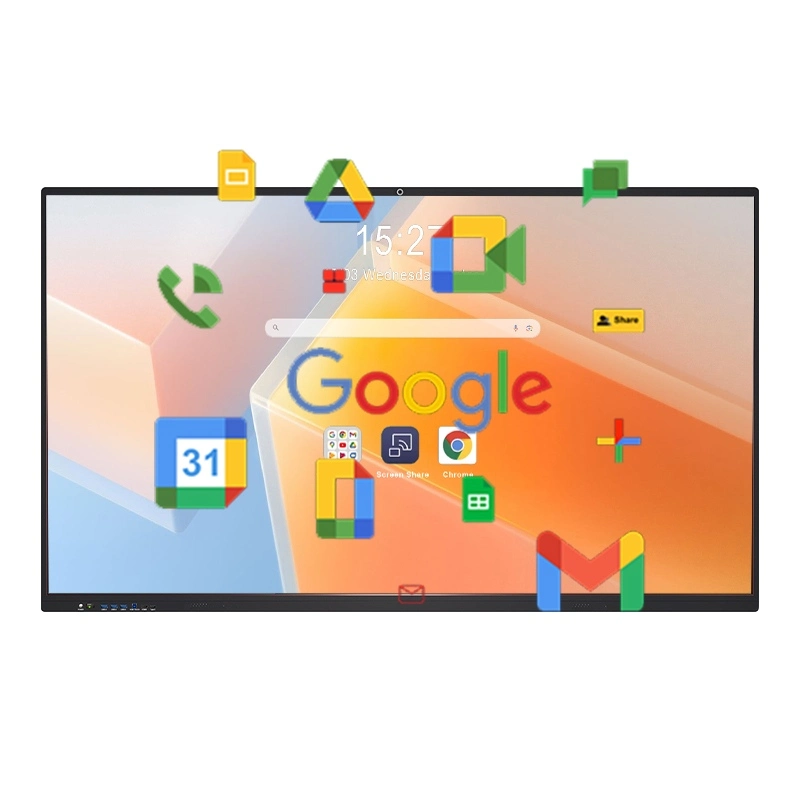
Bagi pendidik yang sibuk, sertifikasi EDLA tidak menjadi penyelamat-penghemat waktu, pengurang stres, dan penghemat pelajaran.QtenboardTampilan interaktif bersertifikasi EDLA menerjemahkan nilai ini menjadi tiga keuntungan praktis yang benar-benar melayani pengajaran:
Tidak ada lagi transfer file, Format ulang, atau peralihan perangkat.QtenboardTampilan interaktif bersertifikasi EDLA memungkinkan Anda mengakses Google Workspace untuk Pendidikan langsung di layar: Buka Kelas Google untuk menyelesaikan tugas, edit Google Docs secara real time Dengan pelajar, atau tarik presentasi Google slide-semua tanpa ketinggalan kemenangan. Bayangkan memimpin aktivitas menulis grup di mana pelajar menambahkan komentar ke Doc bersama, atau tinjau Google membentuk hasil kuis secara instan untuk menjelaskan kesalahan di tempat. Dengan sertifikasi EDLA,QtenboardMenghilangkan middleman teknologi, membuat Anda fokus pada kolaborasi, tidak pemecahan masalah.
Dengan sertifikasi EDLA,QtenboardLayar interaktif adalah lebih dari sekedar layar-ini adalah pusat edtech. Anda dapat mengunduh dan menjalankan ribuan aplikasi pendidikan langsung dari Google Play Store, tidak perlu perangkat eksternal. Misalnya, jika Anda ingin menggunakan classcocker untuk pelacakan perilaku, pir Deck untuk slide interaktif, atau Kahoot! Untuk Ulasan Cepat-Tampilan non-EDLA, Anda perlu menghubungkan laptop, cermin ponsel Anda, atau eretan kompleks. TetapiQtenboardTampilan interaktif bersertifikasi EDLA, cukup buka Play Store, pasang dengan satu klik, dan meluncurkan-semua Di display itu sendiri. Apa lagi,QtenboardMengoptimalkan fungsionalitas sentuh untuk aplikasi pendidikan, menjadikan operasi lebih alami bagi guru dan siswa, dan interaksi di kelas yang lebih lancar.
QtenboardLayar interaktif bersertifikasi EDLA dirancang "untuk guru, dengan desain." antarmuka ini dapat dikustomisasi-pin alat yang paling digunakan Anda (seperti Google Drive, papan tulis digital, atau
Klik untuk membaca rincian produk dan mempelajari tentang fitur fungsional dan kinerja fisiknya.
📖Baca produk
 ID
ID
 EN
EN  MAY
MAY  TH
TH  CHT
CHT  BUR
BUR  FIL
FIL  HKM
HKM  LAO
LAO  SIN
SIN  VIE
VIE